
Today's post is on Silverlight. This is very basic but really important one. It's about how to use fake URL while mapping to multiple namespace across assemblies. I will describe how to create such URL and mapping to our own assemblies & namespaces.
While designing XAML pages in silverlight, we have seen bunch of URL like
xmlns="http://schemas.microsoft.com/winfx/2006/xaml/presentation"
xmlns:x="http://schemas.microsoft.com/winfx/2006/xaml"
xmlns:d="http://schemas.microsoft.com/expression/blend/2008"
xmlns:mc="http://schemas.openxmlformats.org/markup-compatibility/2006"

These url maps to some assemblies and multiple namespaces, so how & why to do this??
Whenever we import some namespace, we have to give alias like "X" / "mc" / "sdk"/ whatever for each namespace. Let's suppose we have 10 custom namespaces to import then we have to use 10 alias for them and this is why Microsoft implements this Fake URL method to import all namespace with 1 URL.
So, let's see how Microsoft did this magic.
1) Create/open Silverlight Project to get started.
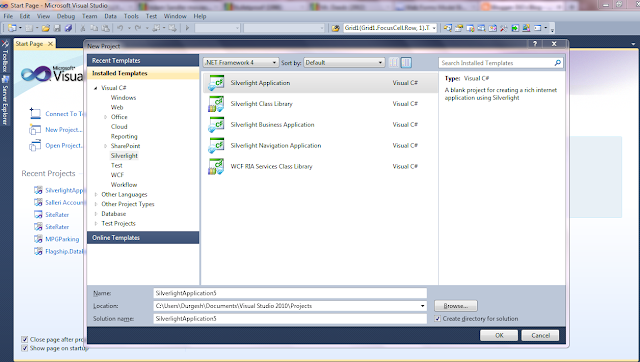

2) Now, let's add our own custom Control Library to this solution.

3) Remove class1 default file & add New Item -> select Silverlight User Control and give name MyLoginControl

4) Let's add another namespace to this project by adding new Folder "NewControls" & Add another Silverlight User Control.
So, we have 2 namespaces in this project
1) MyControls
2) MyControls.NewControls
5) Let's bind it to fake URL.
Open AssemblyInfo.cs file from Properties folder
Add following lines above assembly definitions:
[assembly: XmlnsDefinitionAttribute("http://durgeshg.blogspot.com", "MyControls")]
[assembly: XmlnsDefinitionAttribute("http://durgeshg.blogspot.com", "MyControls.NewControls")]
now, Compile it.
6) Open Silverlight application project & add reference to our new Custom Control from projects tab.
7) Open MainPage.xaml file & let's import those new control by adding line:
xmlns:dg="http://durgeshg.blogspot.com"
now, use this alias dg. Here it goes, we have all those 2 namespaces mapped.

That's all folks. I hope you like it. Please put your comments & feedback.
Thanks.
While designing XAML pages in silverlight, we have seen bunch of URL like
xmlns="http://schemas.microsoft.com/winfx/2006/xaml/presentation"
xmlns:x="http://schemas.microsoft.com/winfx/2006/xaml"
xmlns:d="http://schemas.microsoft.com/expression/blend/2008"
xmlns:mc="http://schemas.openxmlformats.org/markup-compatibility/2006"
These url maps to some assemblies and multiple namespaces, so how & why to do this??
Whenever we import some namespace, we have to give alias like "X" / "mc" / "sdk"/ whatever for each namespace. Let's suppose we have 10 custom namespaces to import then we have to use 10 alias for them and this is why Microsoft implements this Fake URL method to import all namespace with 1 URL.
So, let's see how Microsoft did this magic.
1) Create/open Silverlight Project to get started.
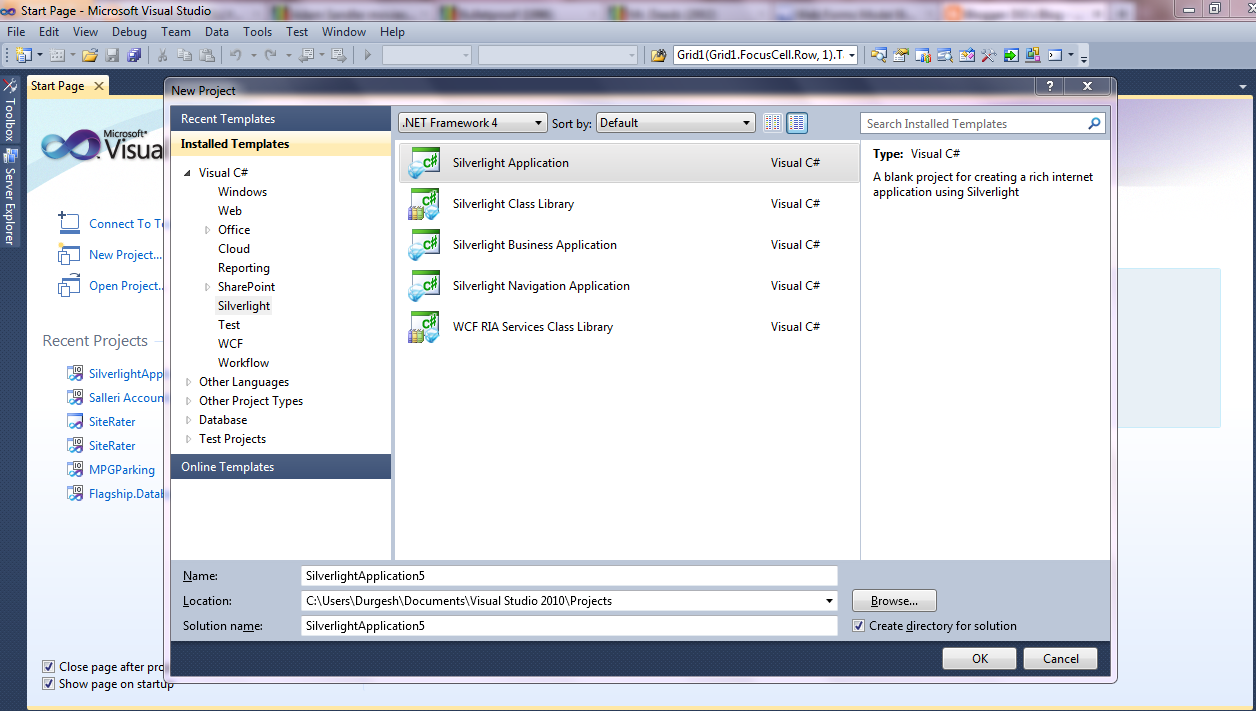

2) Now, let's add our own custom Control Library to this solution.
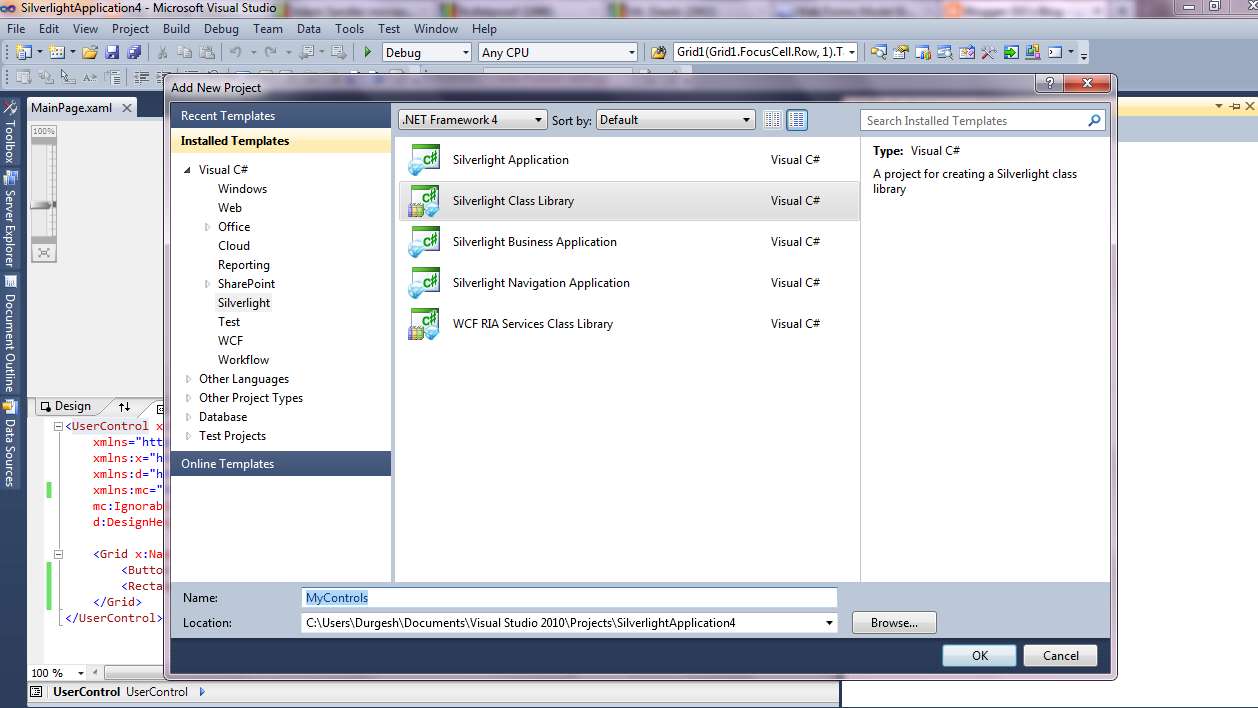
3) Remove class1 default file & add New Item -> select Silverlight User Control and give name MyLoginControl

4) Let's add another namespace to this project by adding new Folder "NewControls" & Add another Silverlight User Control.
So, we have 2 namespaces in this project
1) MyControls
2) MyControls.NewControls
5) Let's bind it to fake URL.
Open AssemblyInfo.cs file from Properties folder
Add following lines above assembly definitions:
[assembly: XmlnsDefinitionAttribute("http://durgeshg.blogspot.com", "MyControls")]
[assembly: XmlnsDefinitionAttribute("http://durgeshg.blogspot.com", "MyControls.NewControls")]
now, Compile it.
6) Open Silverlight application project & add reference to our new Custom Control from projects tab.
7) Open MainPage.xaml file & let's import those new control by adding line:
xmlns:dg="http://durgeshg.blogspot.com"
now, use this alias dg. Here it goes, we have all those 2 namespaces mapped.
That's all folks. I hope you like it. Please put your comments & feedback.
Thanks.


 Posts
Posts

